Pinch an idea
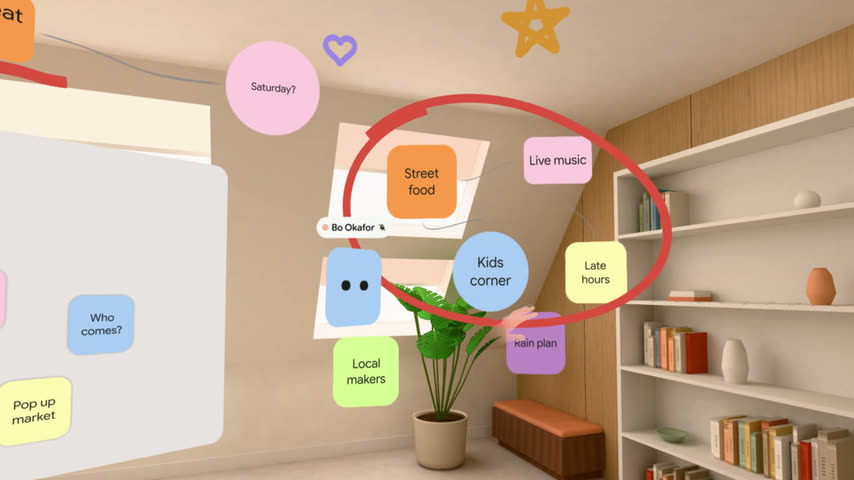
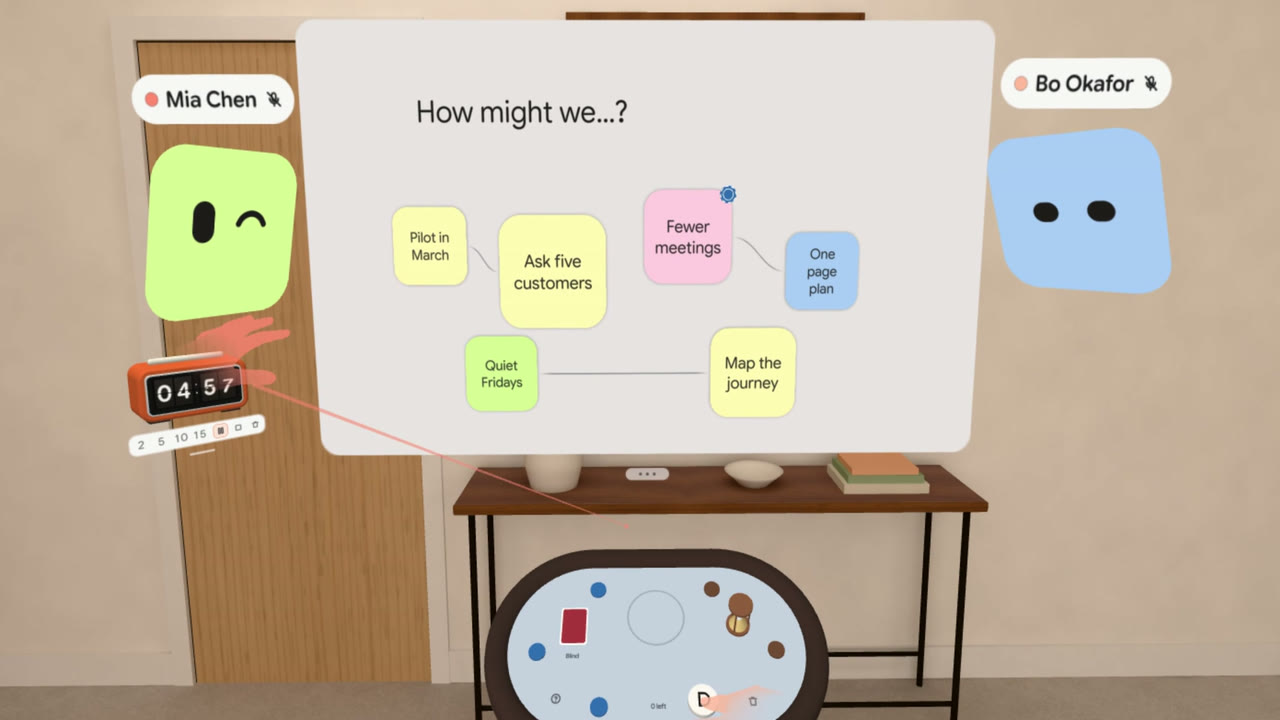
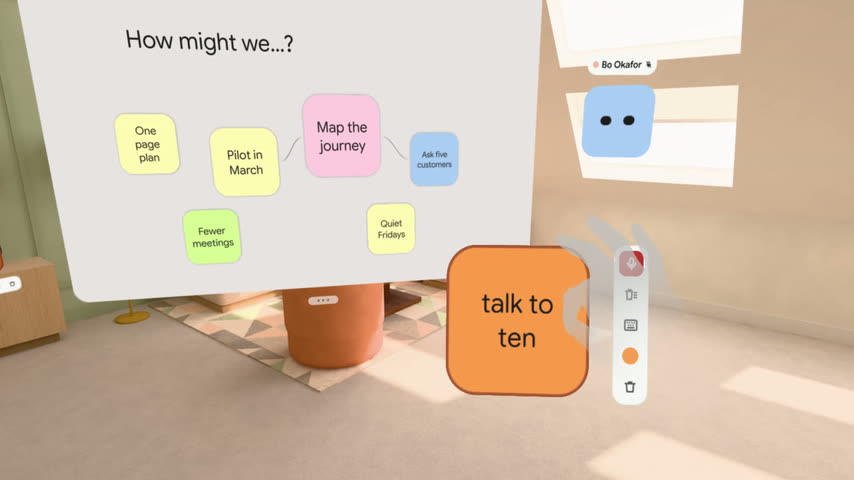
Capture ideas the moment they come. Pinch the air and a note appears, then say it and watch your words land on it. Just your hands and your voice.
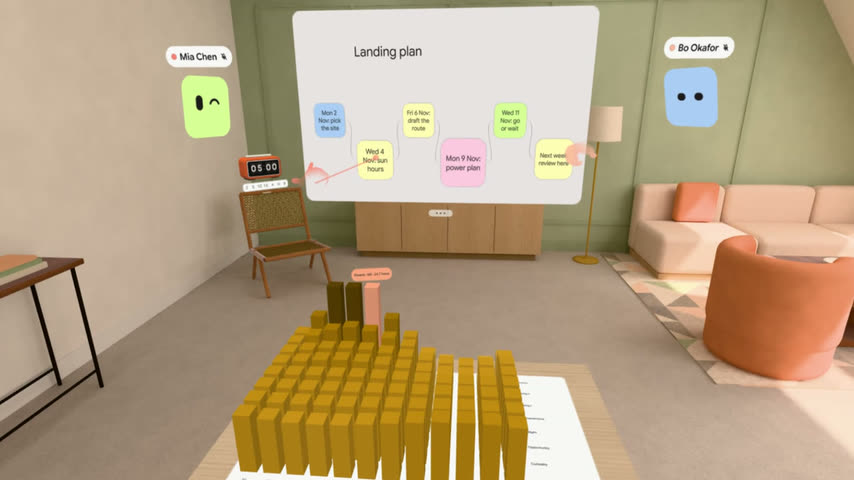
The room-sized canvas where everyone thinks, plans and builds together.
Ask for an inviteOpen this page in your headset's browser to try Rounzi in a room around you, with a short tour.
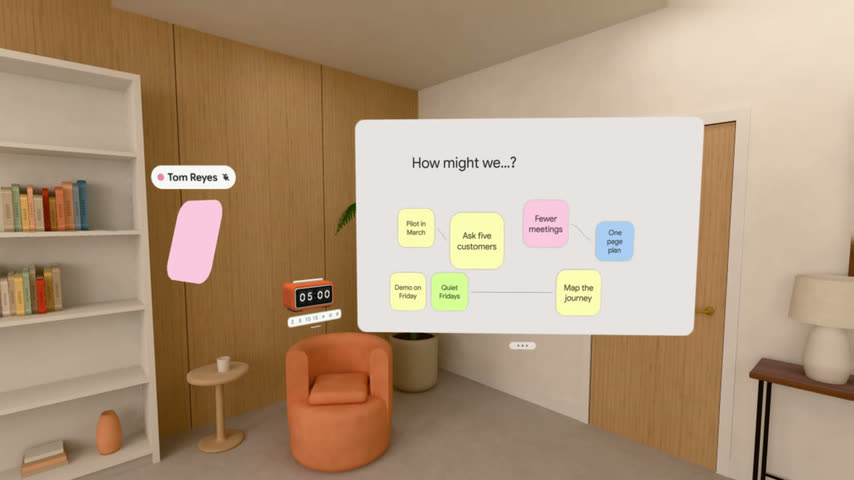
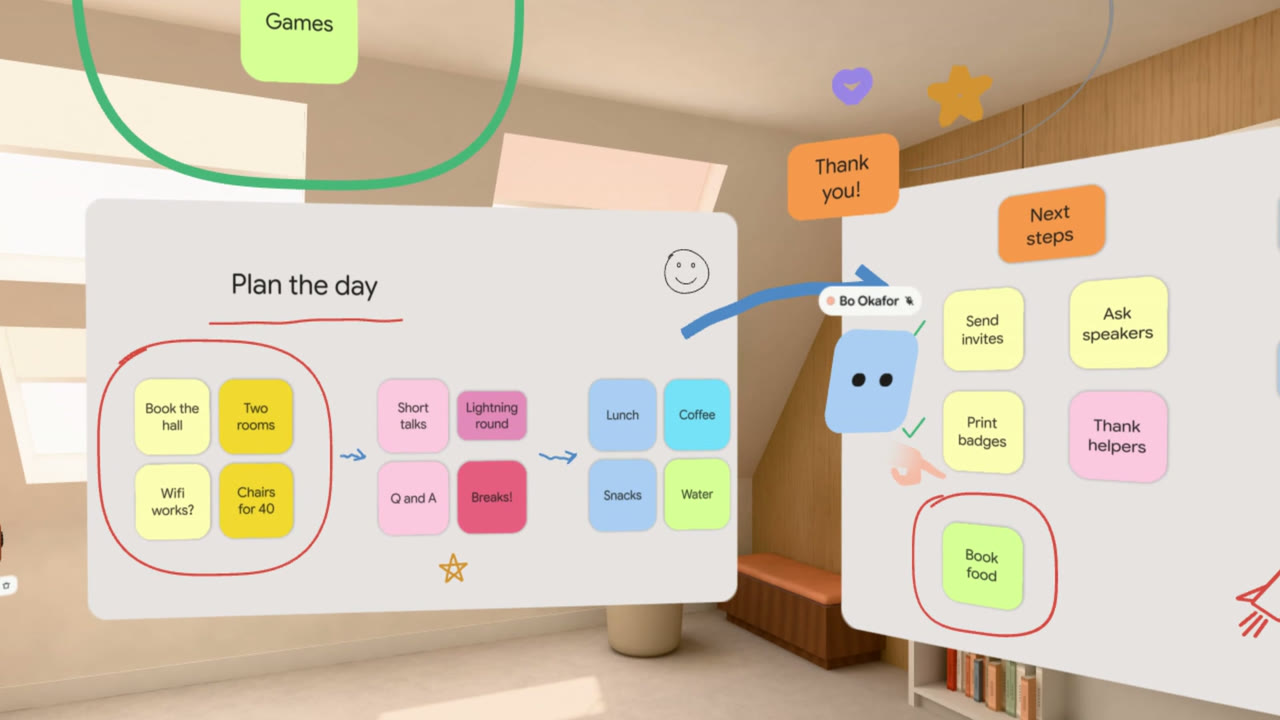
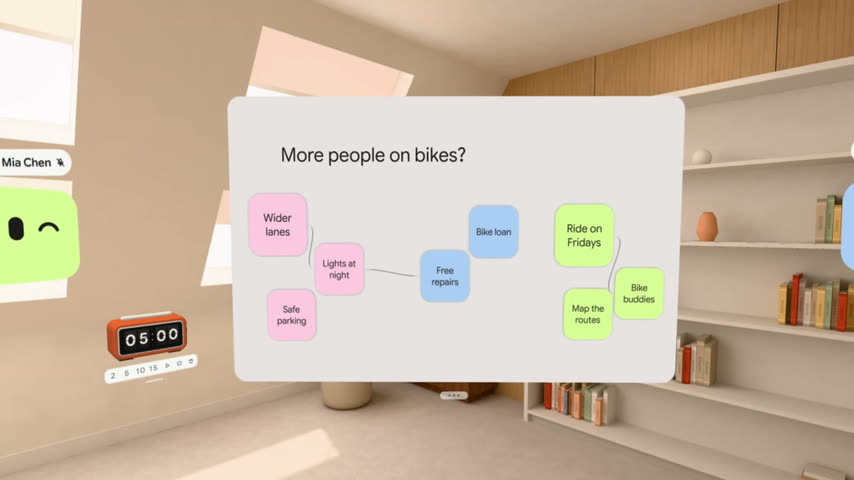
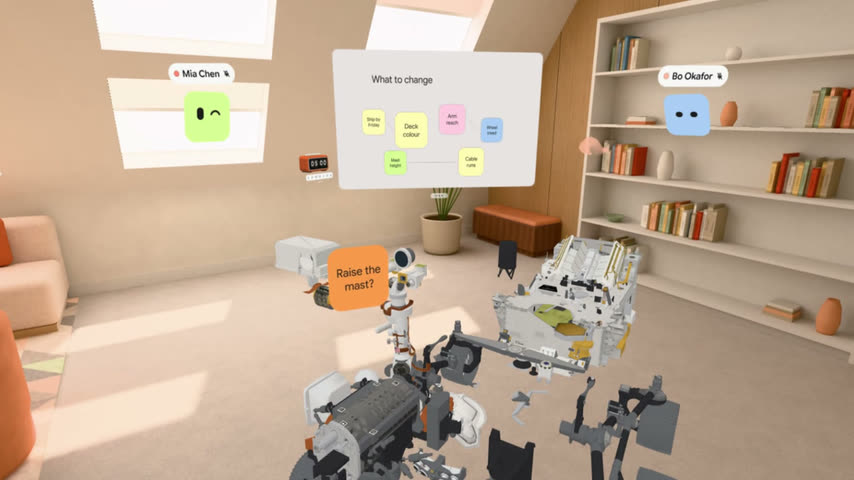
Ideas aren't stuck on a screen anymore. Spread them across the room, connect them and keep them moving.
Capture ideas the moment they come. Pinch the air and a note appears, then say it and watch your words land on it. Just your hands and your voice.
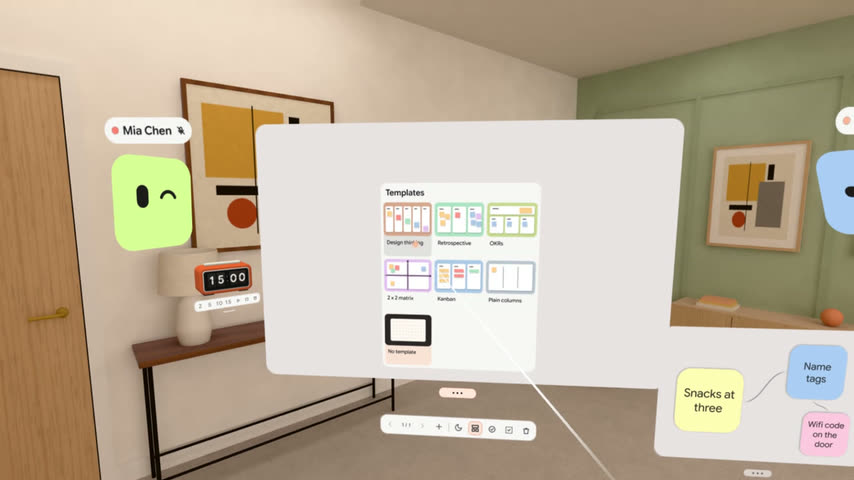
Turn any space into a workshop wall. Put boards anywhere, spread notes all around you, and come back to find everything where you put it.
Rounzi runs in the browser with WebXR, so headsets, laptops and phones join without installing a thing. Each voice comes from where that person stands, so it feels like sharing the same space.
The room opens in your own space, so you can stand, walk and gather round the work together. It feels like a workshop, not a call.
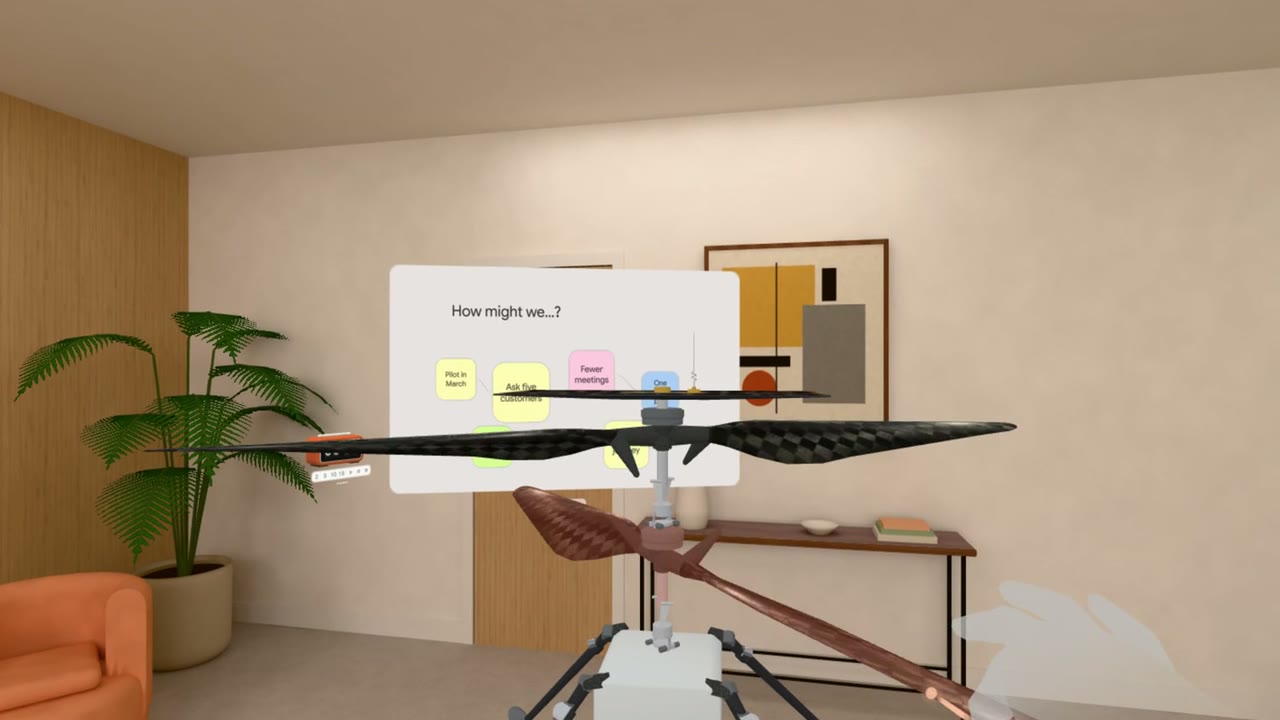
Bring your work into the room at full size and look at it from every angle. Open images and PDFs, play a 3D model's animation or explode it into parts, and turn spreadsheets into charts you can walk around together.
All the dots go up at once, Rounzi does the counting, and the whole room sees the result together. Everyone gets a say, wherever they are.
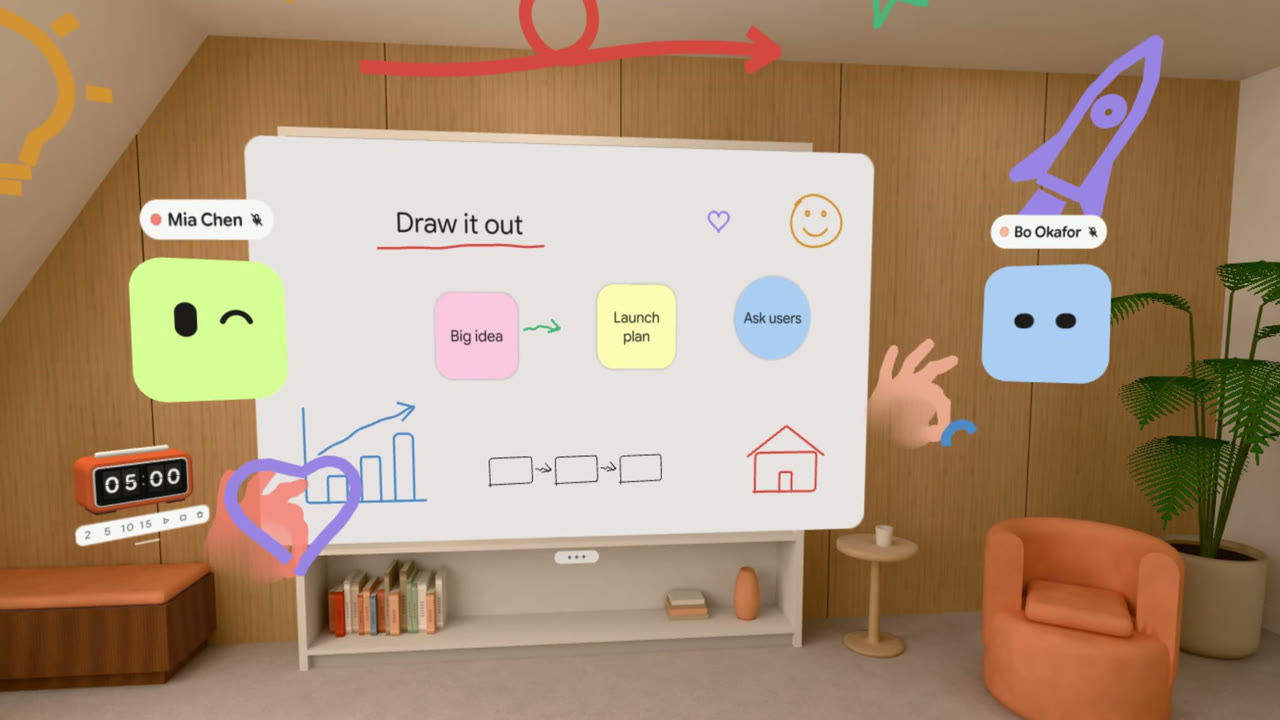
Some ideas don't fit in words. Sketch them on a note, across a board or in the air around you, and everyone watches the line appear as you draw.
No. Join the same room from a laptop or phone, and put on a headset whenever you want to step inside.
We build and test on Meta Quest. Other headsets with a WebXR browser should work too, and we'd love to hear how it goes.
No. Rounzi uses hand tracking, so your controllers can stay in the drawer. Use it in a well-lit room, where your headset sees your hands best.
Nothing at all. Rounzi is built on WebXR, the web's standard for headsets, so it runs right in the browser. Every update arrives the next time you open it.
Up to 8 people at once, on any mix of headsets, laptops and phones.
Not yet. Everyone in a room needs a beta account of their own, so send them to Ask for an invite.
Ask for an invite. We'll write back as soon as there's a place.
Rounzi is in closed beta, and we're letting people in a few at a time. Ask for an invite and bring your next workshop into the room.
Everything is where you left it. Walk back in.
Have an invite? Sign up with your codeNo code? Ask for an invite
By continuing you agree to Rounzi's Terms and Privacy notice.
Give your ideas a room of their own. Invite people from anywhere to work on them with you.
Sign up and the room keeps you: your seat, your notes, your handwriting on the wall. Google starts a fresh account instead.
Already have rooms? Sign inNo code? Ask for an invite
By continuing you agree to Rounzi's Terms and Privacy notice.
An invitation opens one room, as an editor or as a viewer.
Rounzi is invite only for now, so you need a beta account to join their room.
In the beta already? Sign in
You're signed in as . The code puts you in the beta.
That link is for a room in the beta. Your invite code comes first.
No code? Ask for an inviteNot you? Sign out
Tell us a little about you. We read each request.
Have an invite? Sign up with your codeIn the beta already? Sign in
We'll mail you when there's a place.
A code is on its way to mira@okafor.studio.
That address was never confirmed, so a new code is on its way to mira@okafor.studio. Type it here and the account keeps the password you just typed.
If mira@okafor.studio has an account, a code is on its way. You get this sentence either way, because whether an address exists is not ours to tell.
You are signed in. All that is left is the password.
The window closed before Google answered, so you're not signed in. Nothing was changed.
Keeps happening? The browser may be blocking sign-in windows. Try once from a laptop; the account is the same.
Rooms in the trash are deleted for good after 30 days. Until then they still count on your storage.
| Name | In the room | Last opened | Created by |
|---|
Files in the trash are deleted for good after 30 days. Until then they still count on your storage.
| Name | Type | Size | Added by | Added |
|---|
Writes a note you copy or mail yourself. Only owners invite.
An invitation waits in People until it is claimed.
No requests waiting.
Before the beta means the account was already there. Hours and files count their own rooms. Testers don't see hours. You do.
Each note has the app version and device type. Nothing from their rooms.
No feedback yet.
Whether you're planning a workshop, have an idea, or a room came back wrong, this is the place. We read every note and we answer every one within two days.
Or just mail us: hello@rounzi.com
Say what the content is and why you believe it is illegal. A person reviews it and you hear the outcome. Not for emergencies. If someone is in danger, contact the authorities.
We keep the message and the address you gave, and nothing else. Privacy notice.
Your note is in the inbox. A reply goes to mira@okafor.studio within two days.
Your notice is in the inbox, and a confirmation with its reference number is on its way to mira@okafor.studio. A person reviews it and you hear the outcome there.
A Pro party and you are its owner. Your personal free party and rooms are untouched.
Switch between parties from the top of your rooms. Invoices live in Settings ▸ Invoices.
To go lower, remove people on the Party page first.
Type the code you were given.
An invitation gives you editor or viewer, whichever the owner chose.
Your spaces are yours alone. Anyone invited by name keeps their place.
3 files go now and their space is freed. This cannot be undone.
It leaves every room it is placed in, and its space is freed.
Kitchen wall goes now, with its notes, whiteboards, ink, links, timers and votes. This cannot be undone.
3 rooms and everything in them go now. This cannot be undone.
This deletes your account, the rooms you own and everything in them, for everyone who was in them. Your memberships and profile go too.
You will need to sign in again on this device.
Everything in this room goes, for everyone in it: notes, whiteboards, ink, links, timers, votes, music and files. There is no undo.
We read every note, and we'll answer by mail.